
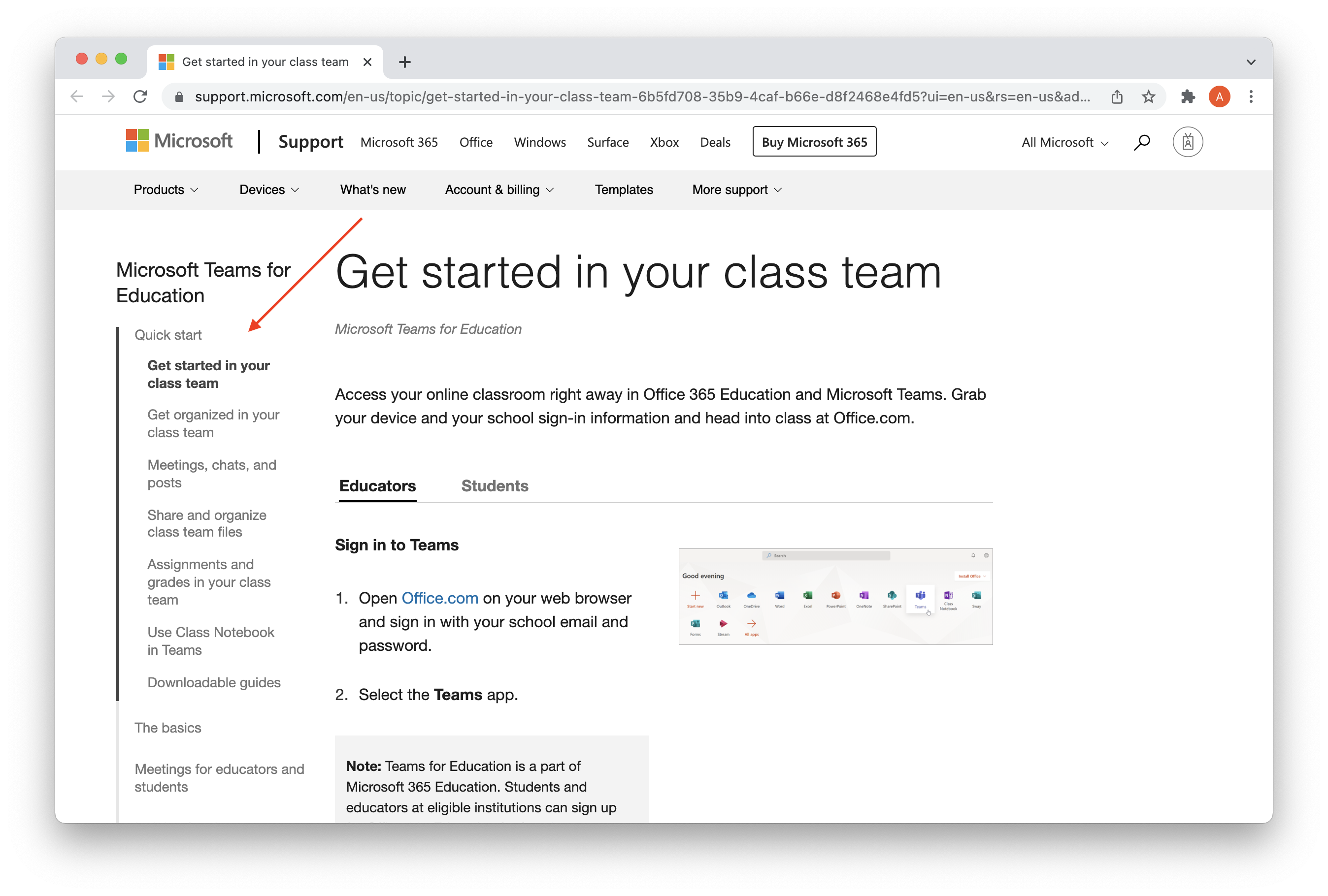
This article is a central hub for staff to use when getting started with Microsoft Teams for remote learning. There are links below to help articles from several locations.
Get started in your class team
This guide talks you through creating a class and adding your students (if one hasn't been set up for you already), and several of the fundamentals for using teams.
There are several different topics on the left hand side, so be sure to click through them and take a look.
Training Videos
The Microsoft Education YouTube channel has a series of videos at the link below which cover all aspects of using Teams:
https://support.microsoft.com/en-gb/education?ui=en-us&rs=en-gb&ad=gb
They also have a collection of videos showing you how to use specific features.
https://www.youtube.com/playlist?list=PLiluTszfwwMI9N-ZNqxlsqiSJ7yYQL8fu
A few key ones are highlighted below:
Other Resources
Finally, there are a collection of resources for Teams, and other Office 365 products available here:
https://support.microsoft.com/en-gb/education?ui=en-us&rs=en-gb&ad=gb
Comments
0 comments
Please sign in to leave a comment.