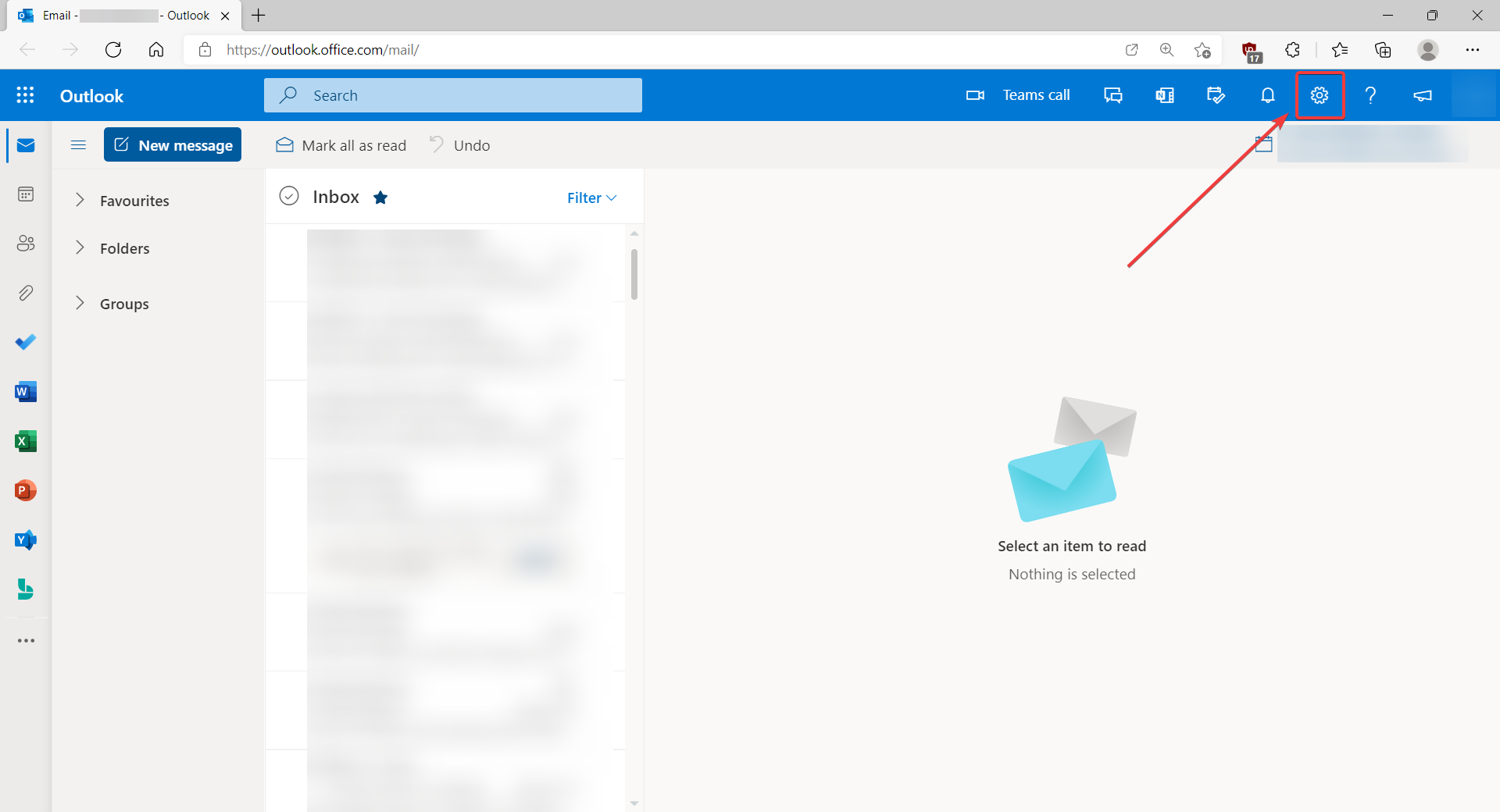
- Click on the settings icon.
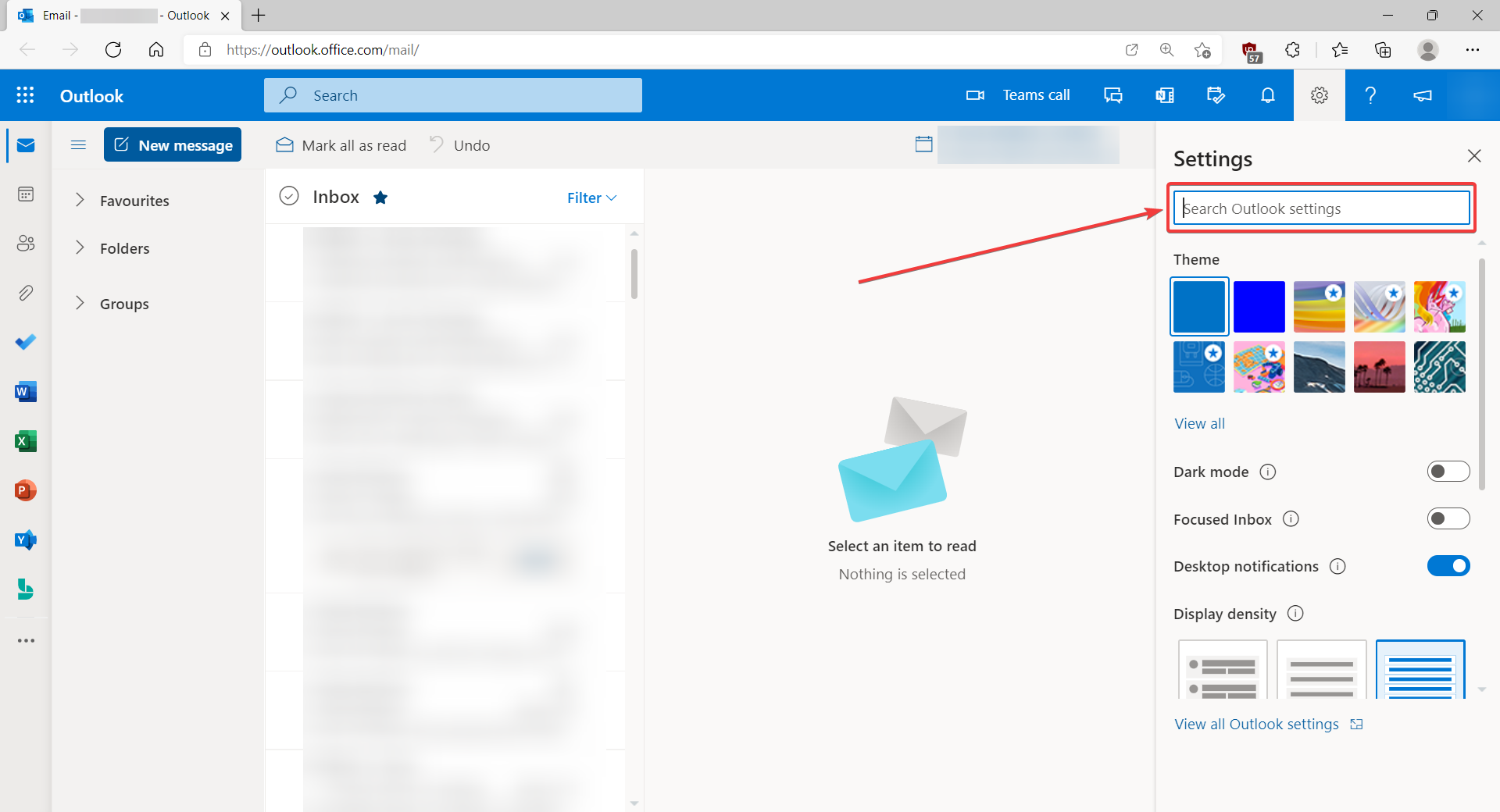
- In the search box, search for Distribution groups.
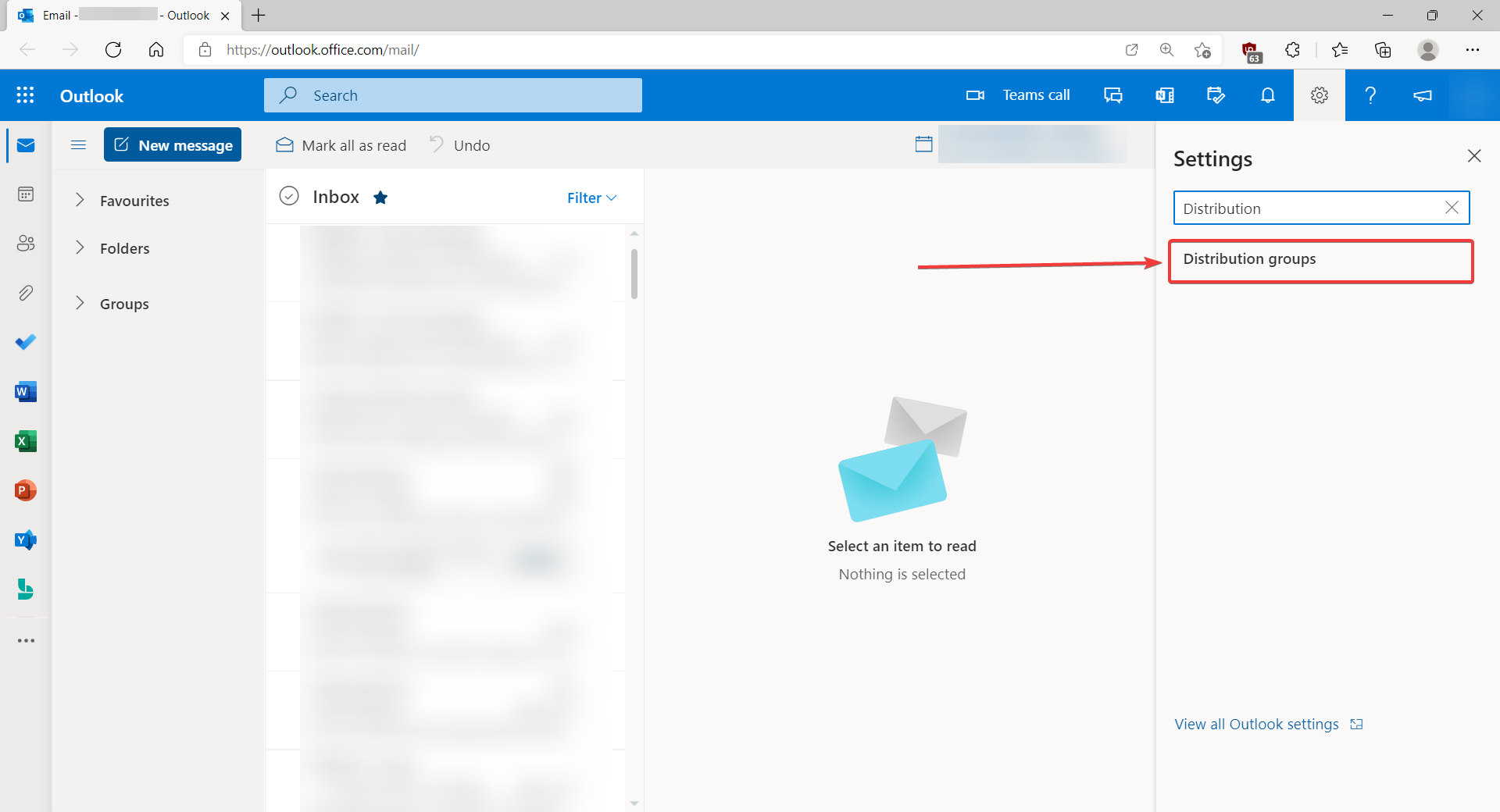
- Click on Distribution groups.
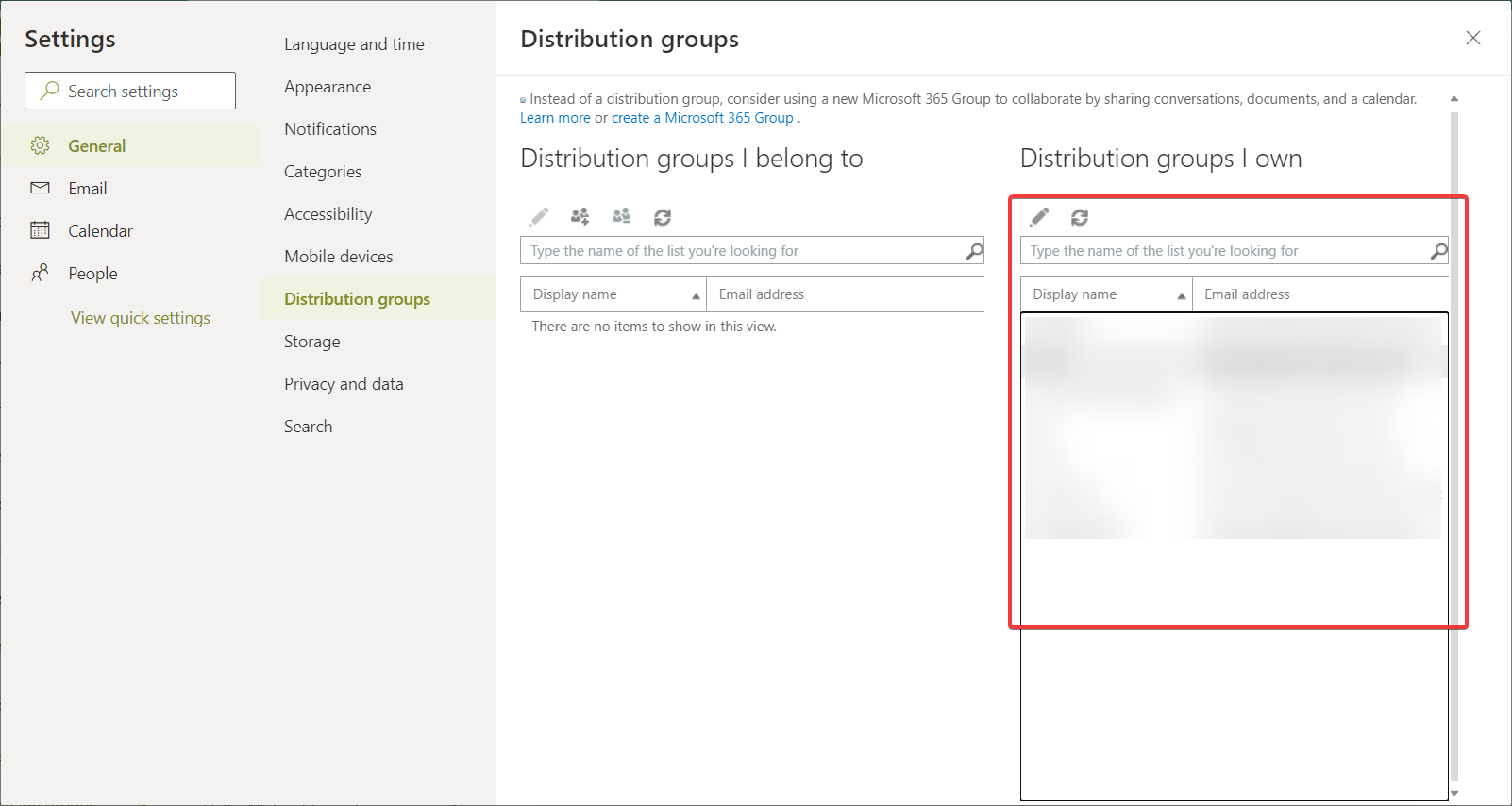
- Here you can click on existing groups to edit them.
- In this window you can add and remove members, as well as change other settings for the group.
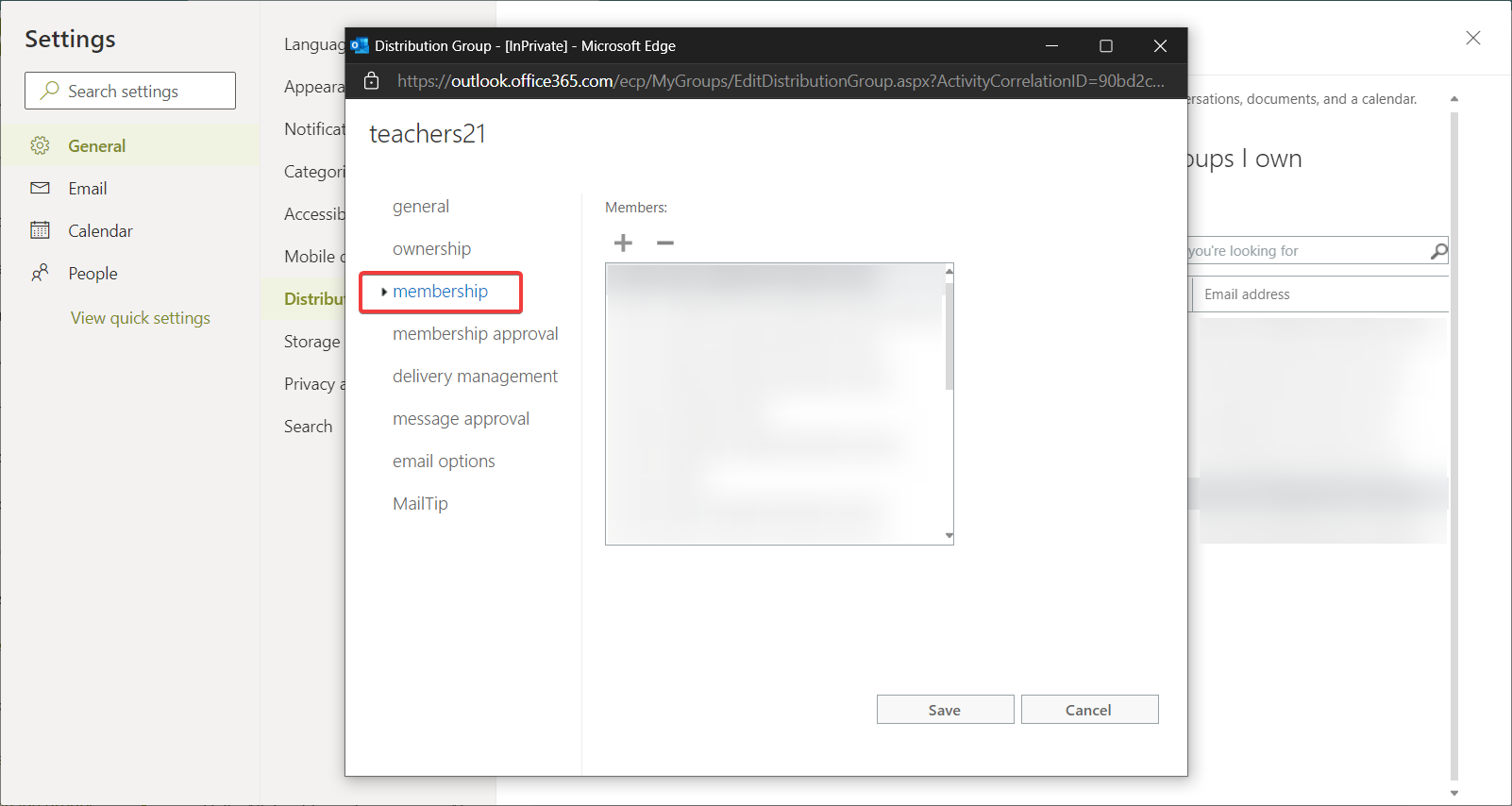
Edit Distribution Groups in Outlook Web App

Comments
0 comments
Please sign in to leave a comment.